
CRM
Getlead Is Now a Verified n8n Integration: Automate Your CRM and Connect It to AI

Your leads, connected. Your workflows, automated. Every lead is an opportunity, but manually transferring data, managing spreadsheets and tracking follow-ups wastes valuable time. When your sales team spends more time managing information than talking to prospects, opportunities slip away.
Getlead CRM is now a verified integration on n8n, the workflow automation platform that connects business applications and enables AI-powered workflows. With it, you can automate lead management, connect Getlead to your favourite business tools and build smarter sales workflows without coding every integration from scratch.
What is n8n?
n8n is a visual workflow automation platform that connects applications through nodes: when an event occurs in one application, n8n can automatically trigger actions in another.
For example, a website enquiry can create a lead in Getlead CRM and notify your sales team through Slack — all in one workflow. With the Getlead node, your CRM becomes a connected part of your business ecosystem.
Getlead is now a verified n8n integration
Published as n8n-nodes-getlead, the Getlead integration is verified by n8n.
- Verified integration: reviewed and approved by the n8n team.
- Easy installation: available directly through the n8n editor, including n8n Cloud.
- npm provenance: provides additional information about the package's publishing origin.
You can now connect Getlead to your existing automation workflows without building the CRM connection from scratch.
What can you automate with Getlead and n8n?
The integration supports the essential CRM operations you need to manage leads efficiently.
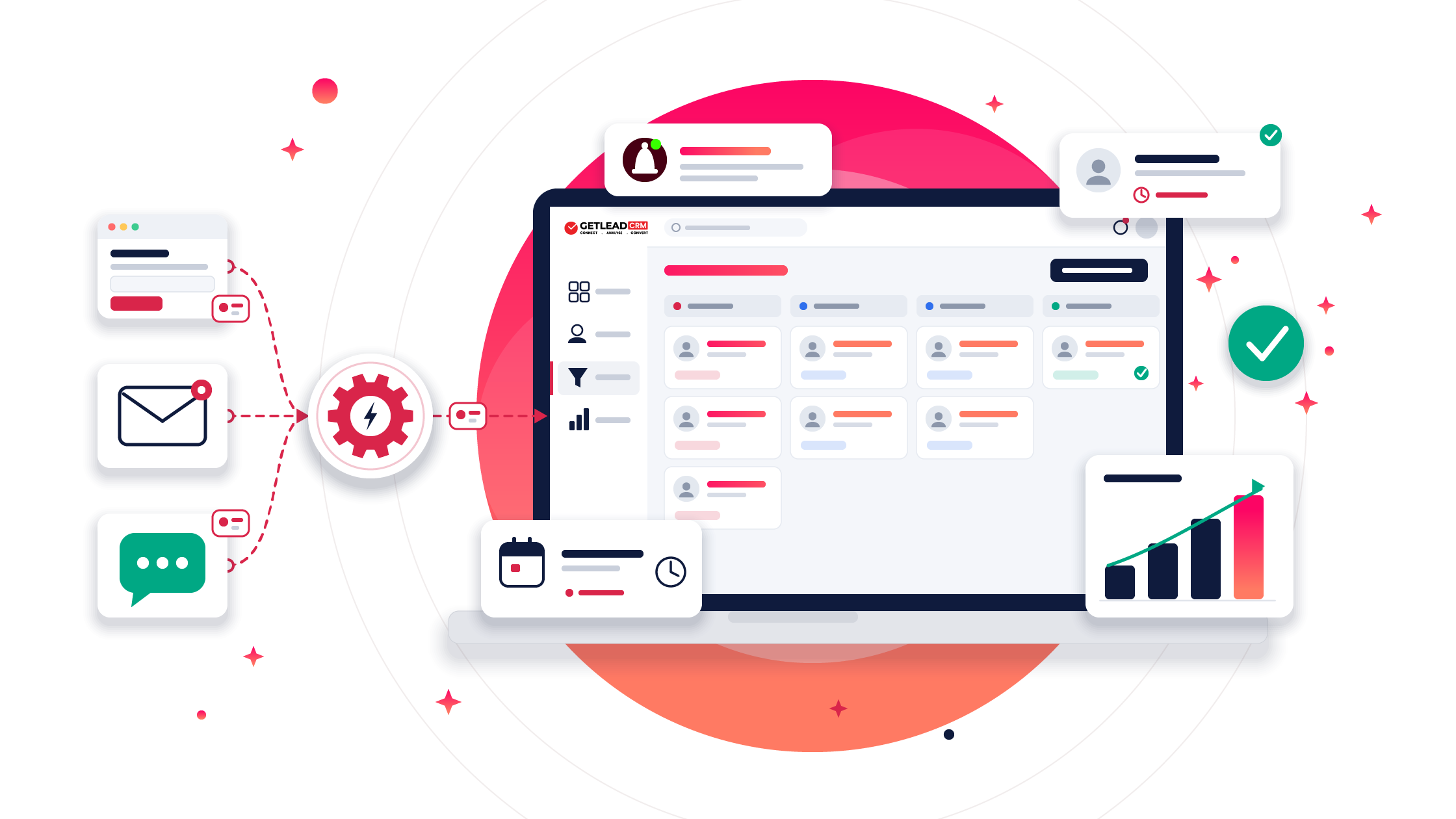
Lead management
- New Lead trigger: start workflows automatically when a new lead is created in Getlead.
- Create a lead: add details such as name, phone number, email, source, status and assigned agent.
- Create or update a lead: match existing records by phone number or email — update the matching record, or create a new one if no match exists.
- Find leads: search by name, phone number or email, with filters for source, status and assigned user.
- Update a lead: select a lead from a searchable list and modify the required information.
Notes, custom fields and API access
- Add notes: attach notes to leads using their ID, phone number or email address.
- Custom fields: your account's custom fields load automatically, so you can select and populate them without entering field IDs by hand.
- Additional API access: use n8n's HTTP Request node with your saved Getlead credentials to call other supported Getlead API endpoints.
These features reduce repetitive data entry, minimise duplicate records and keep lead information organised.
How to set up the Getlead n8n integration
Connect your Getlead account in three simple steps.
Step 1: Generate an API key
In Getlead, go to Integrations → API Documentation → API Keys and click Generate New API Key. Keep your API key secure.
Step 2: Add the Getlead node
Open your n8n workspace, create a workflow, click +, search for Getlead and select an action, such as Create a Lead.
Step 3: Connect your account
Create a Getlead account credential in n8n, enter your API key and save it. You can now use Getlead in your workflows.
Put your lead capture on autopilot
Try Getlead CRM free for 7 days, no credit card needed, then connect it to n8n.
Start free trial Take the product tourConnect Getlead to AI agents
n8n lets you build AI agents that use connected tools to perform tasks. By connecting the Getlead tool to an AI Agent and a compatible model from OpenAI, Claude, Gemini or another supported provider, you can build workflows that work with your CRM through natural-language instructions.
For example, you could ask:
“Find the newest Facebook lead and add a note that we called them.”
The agent can search for Facebook leads, identify the newest matching record from the available information and add a note to the right lead.
AI-powered workflows you can build
- AI sales assistant: retrieve lead information and answer questions about CRM records.
- Automated lead capture: extract information from incoming emails or WhatsApp messages and create or update CRM records.
- AI-generated sales notes: summarise sales conversations and save notes against the relevant leads.
- Website lead qualification: use a chatbot to qualify enquiries and send visitor information to Getlead.
These workflows help your team cut manual work and respond to enquiries faster.
5 practical Getlead and n8n workflow ideas
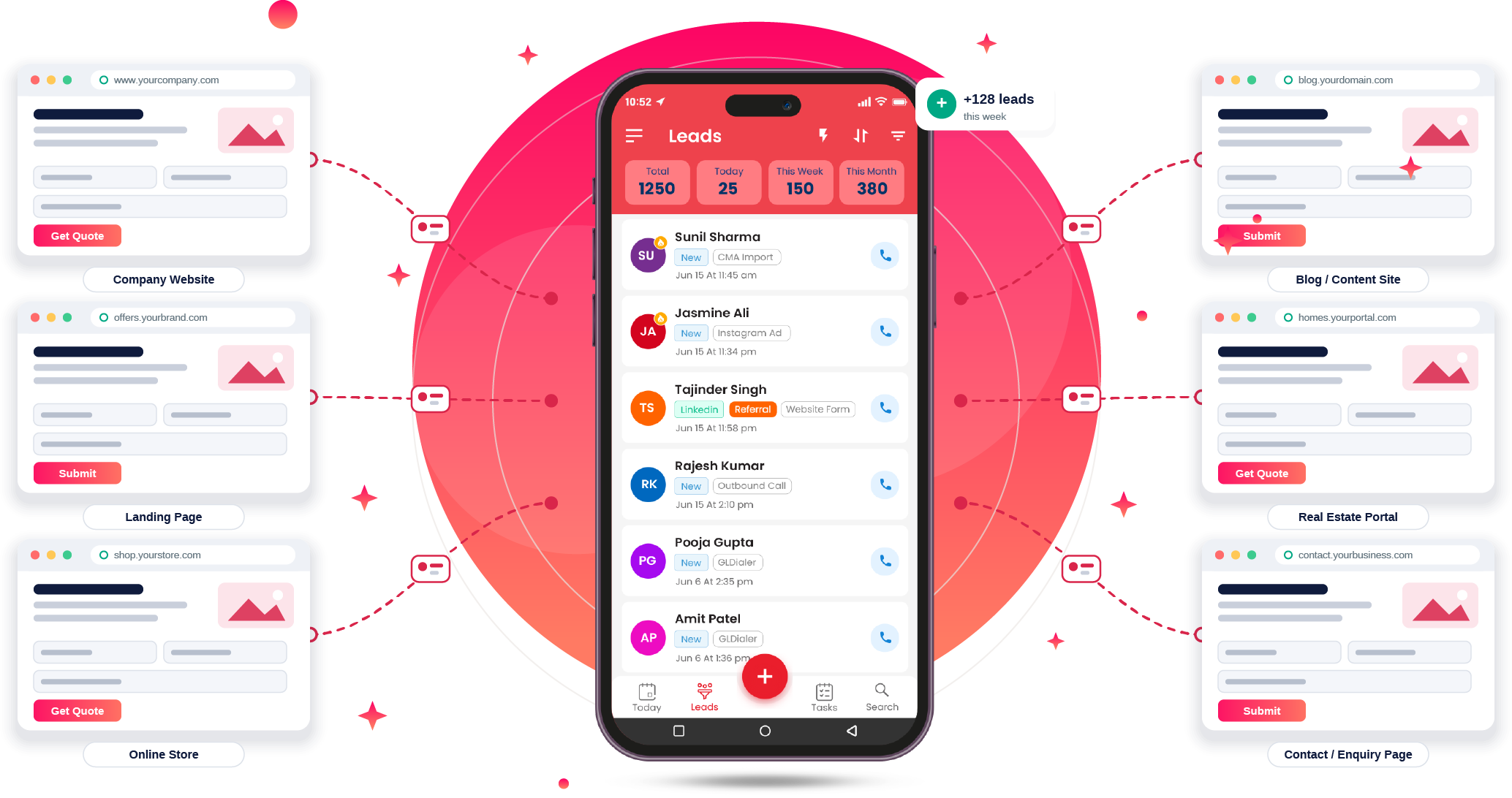
- Facebook or Google Ads → Getlead CRM: automatically transfer advertising leads into your CRM through supported integrations.
- Website form → Getlead → Slack: create a lead from a website enquiry and notify your sales team immediately.
- Getlead → Google Sheets: send new lead information to Google Sheets for reporting and analysis.
- New lead → WhatsApp or email: trigger welcome messages or internal notifications through connected messaging services.
- Daily AI lead summary: retrieve relevant lead information, generate an AI-powered summary and share it with your team.
For example, an education institute could route Facebook enquiries into Getlead and notify counsellors through WhatsApp, helping them follow up sooner.
Why choose Getlead with n8n?
Integrating Getlead with n8n helps your team:
- Respond faster by automating lead routing and notifications.
- Reduce duplicates by matching records through phone numbers or email addresses.
- Save time by eliminating repetitive data entry.
- Work smarter with AI by connecting supported CRM operations to AI agents.
Start with a simple lead-capture workflow and expand your automation as your business grows.
Start automating your CRM today
Your sales team should spend less time managing data and more time converting leads into customers. With the verified Getlead integration for n8n, you can connect your business tools, streamline lead management and explore AI-powered workflows.
Ready to get started?
- Start your Getlead CRM journey
- Get the n8n-nodes-getlead package on npm
- Search for Getlead directly in the n8n editor.
Getlead CRM × n8n — your leads, now on autopilot. Questions about setting it up? Talk to us — we are happy to walk you through it.


FAQ
CRM, answered plainly
What is the Getlead n8n integration?
It is the verified n8n node for Getlead CRM, published on npm as n8n-nodes-getlead. It lets n8n workflows create, update, find and annotate leads in Getlead, and start workflows when a new lead is created.
How do I connect Getlead CRM to n8n?
Generate an API key in Getlead under Integrations → API Documentation → API Keys. In n8n, add the Getlead node to a workflow, create a Getlead account credential with that API key and save it.
Can I use Getlead with AI agents in n8n?
Yes. Connect the Getlead tool to an n8n AI Agent with a compatible model from OpenAI, Claude, Gemini or another supported provider, and the agent can search leads and add notes from natural-language instructions.
Does the n8n integration prevent duplicate leads?
The Create or Update a Lead action matches existing records by phone number or email. It updates the matching lead, or creates a new one only when no match exists.